Back![]()
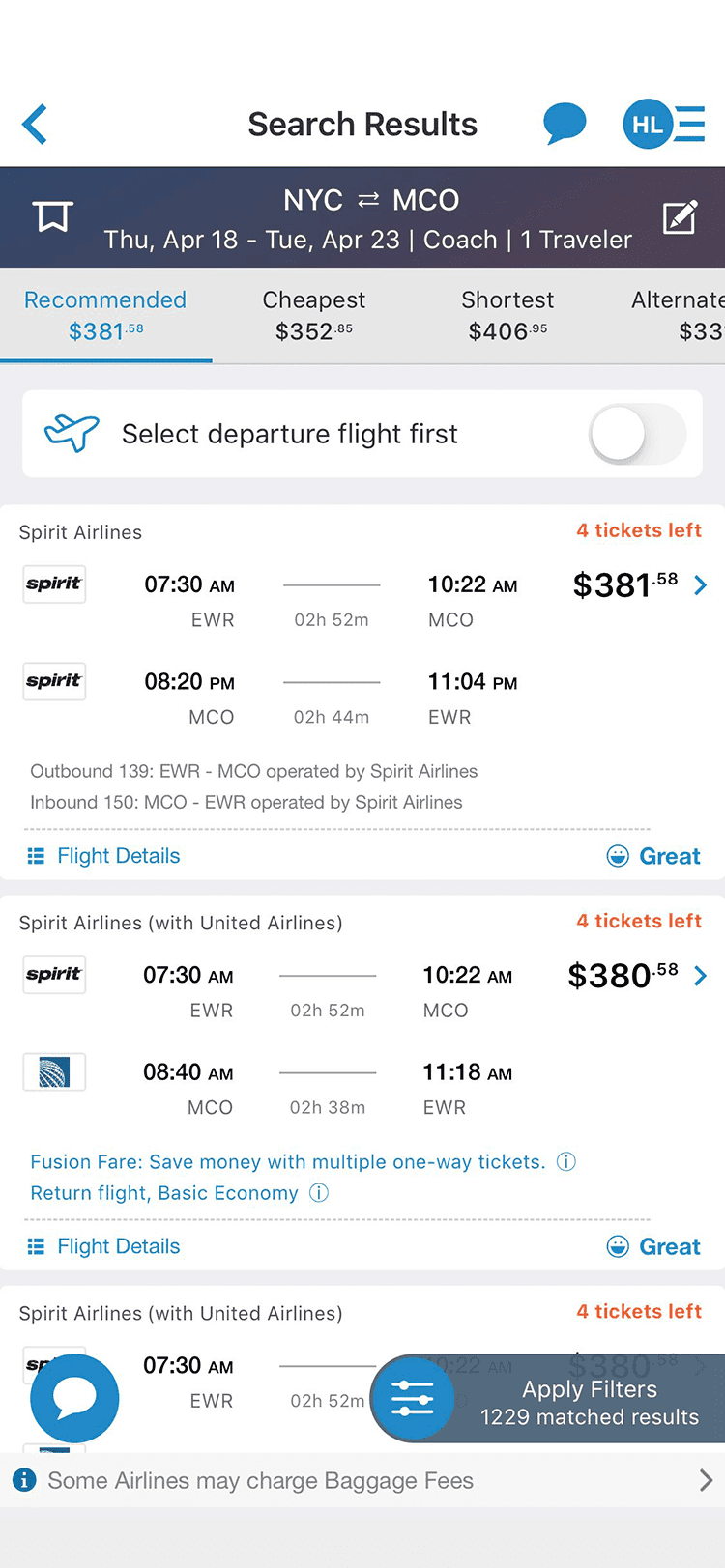
Fig.1: Listing screen
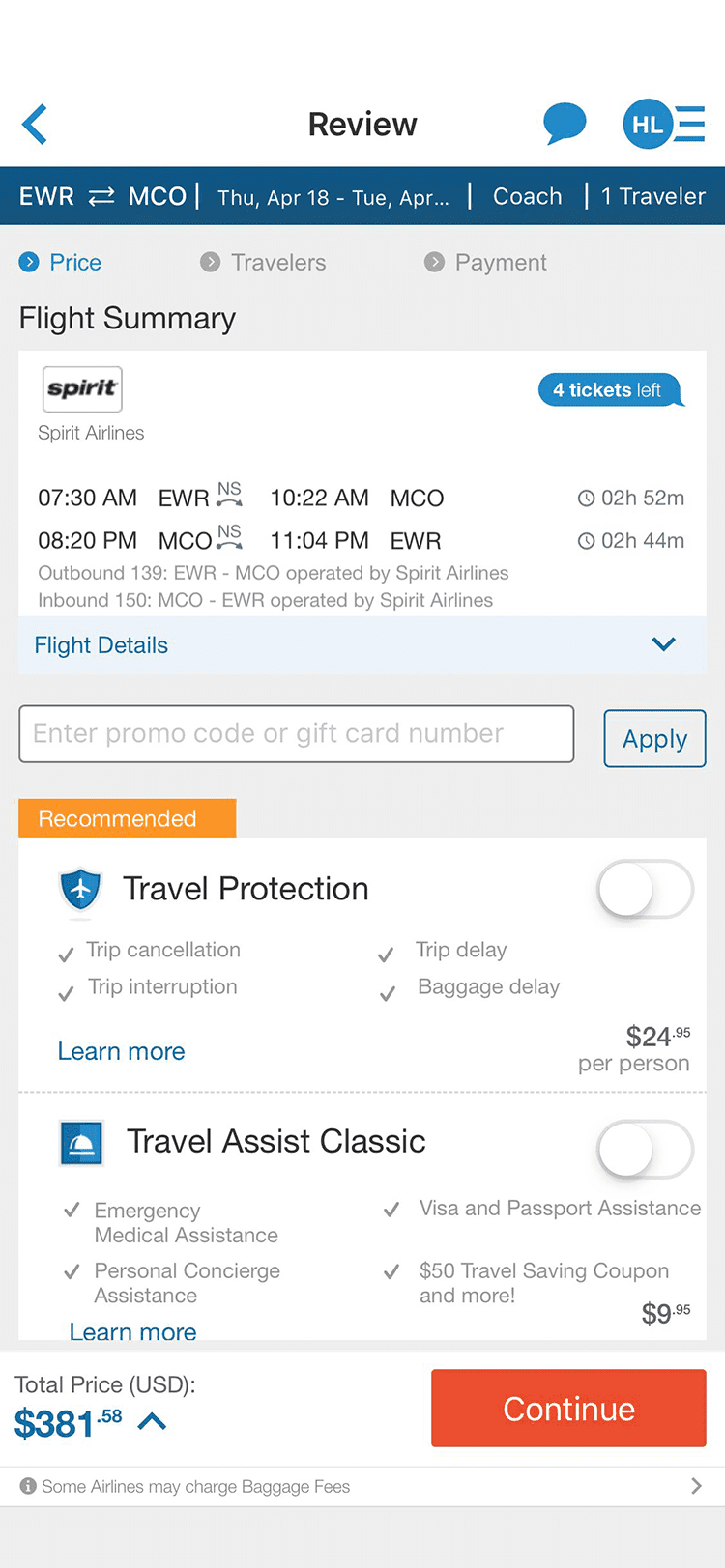
Fig.2: Review screen
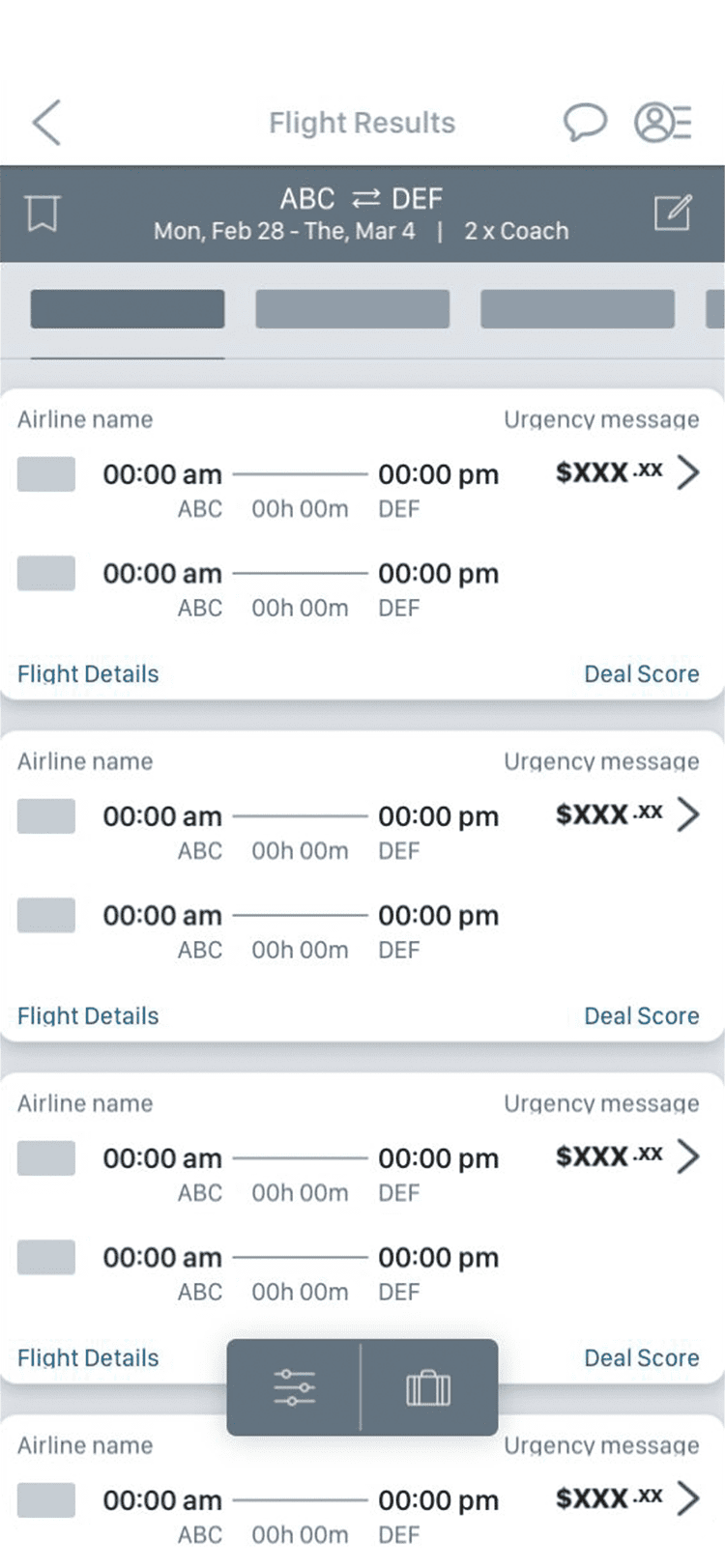
Fig.3: Listing wireframe
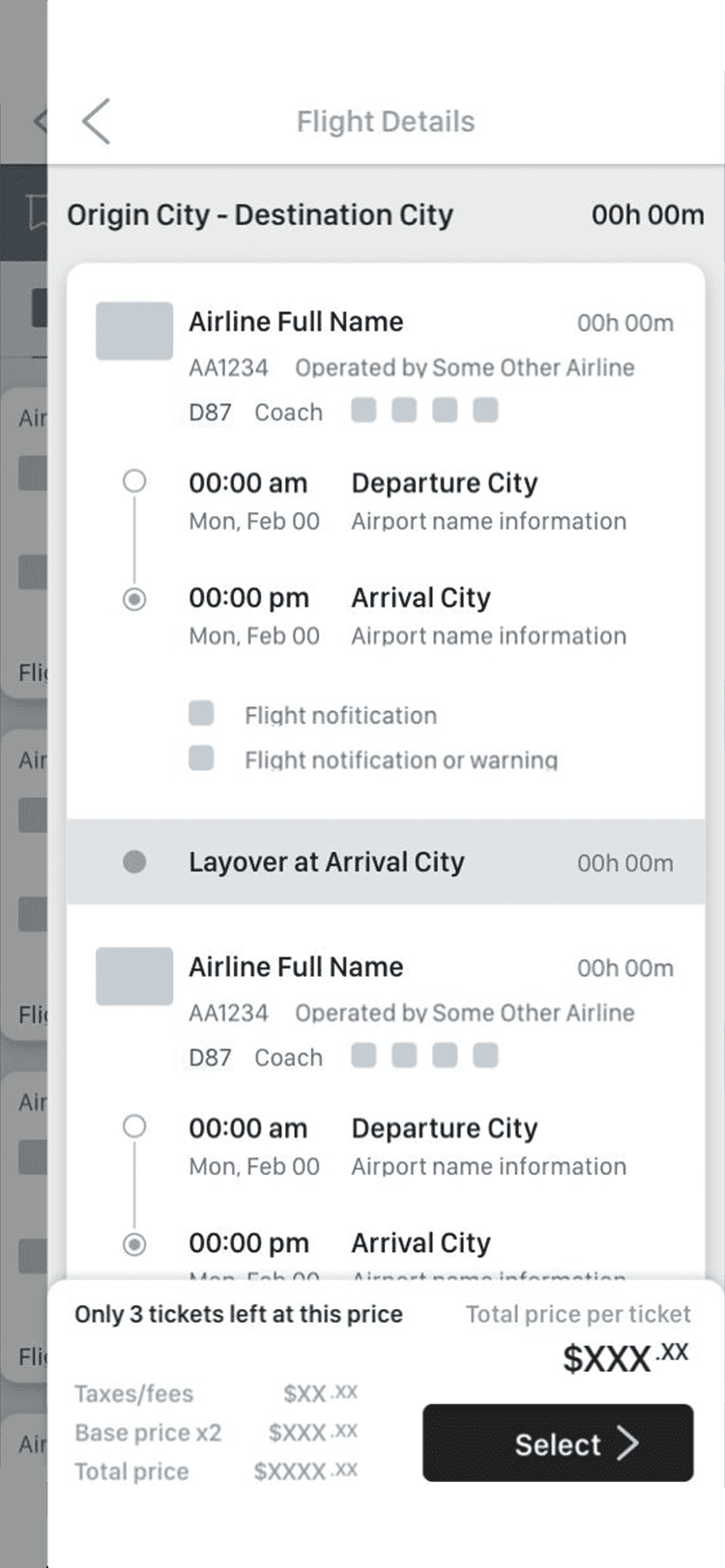
Fig.4: Detail wireframe
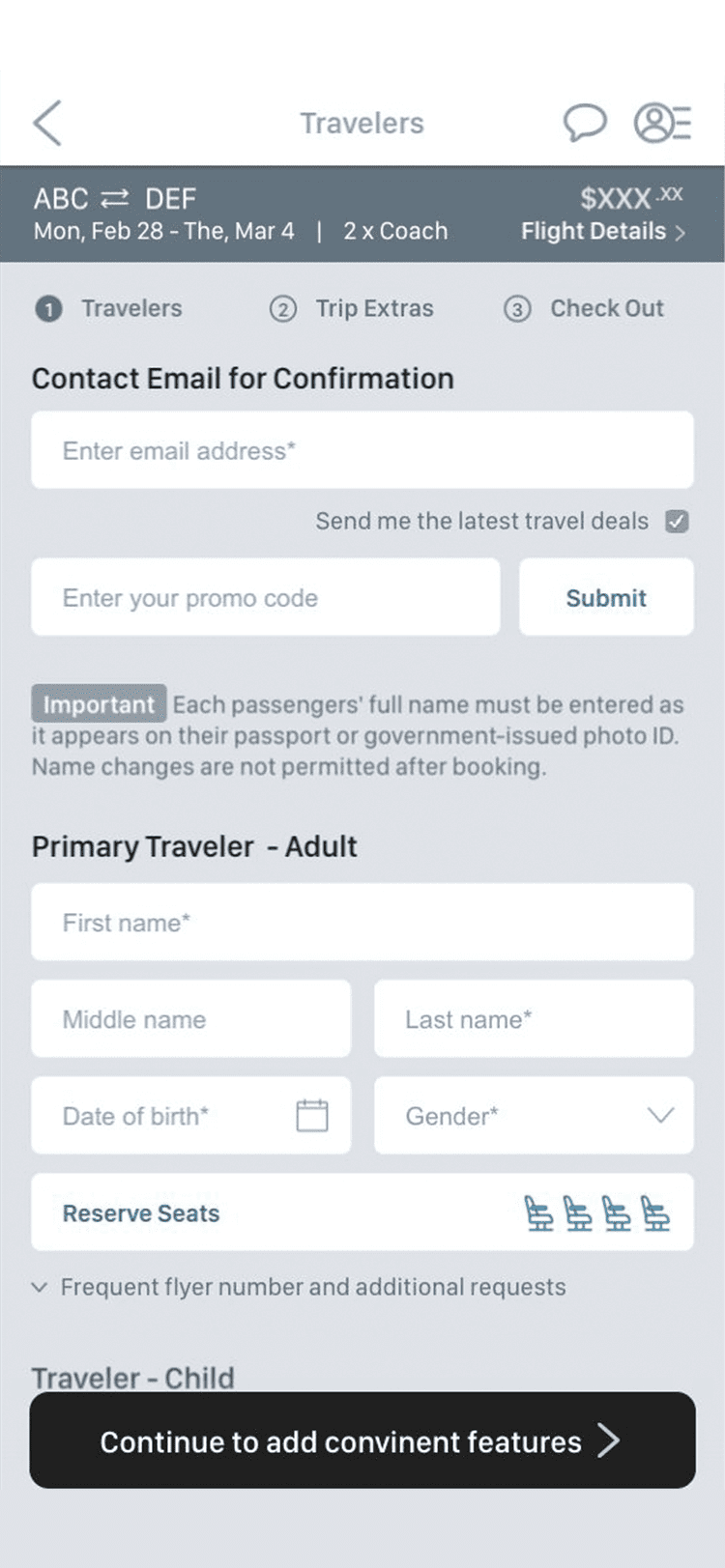
Fig.5: Booking wireframe
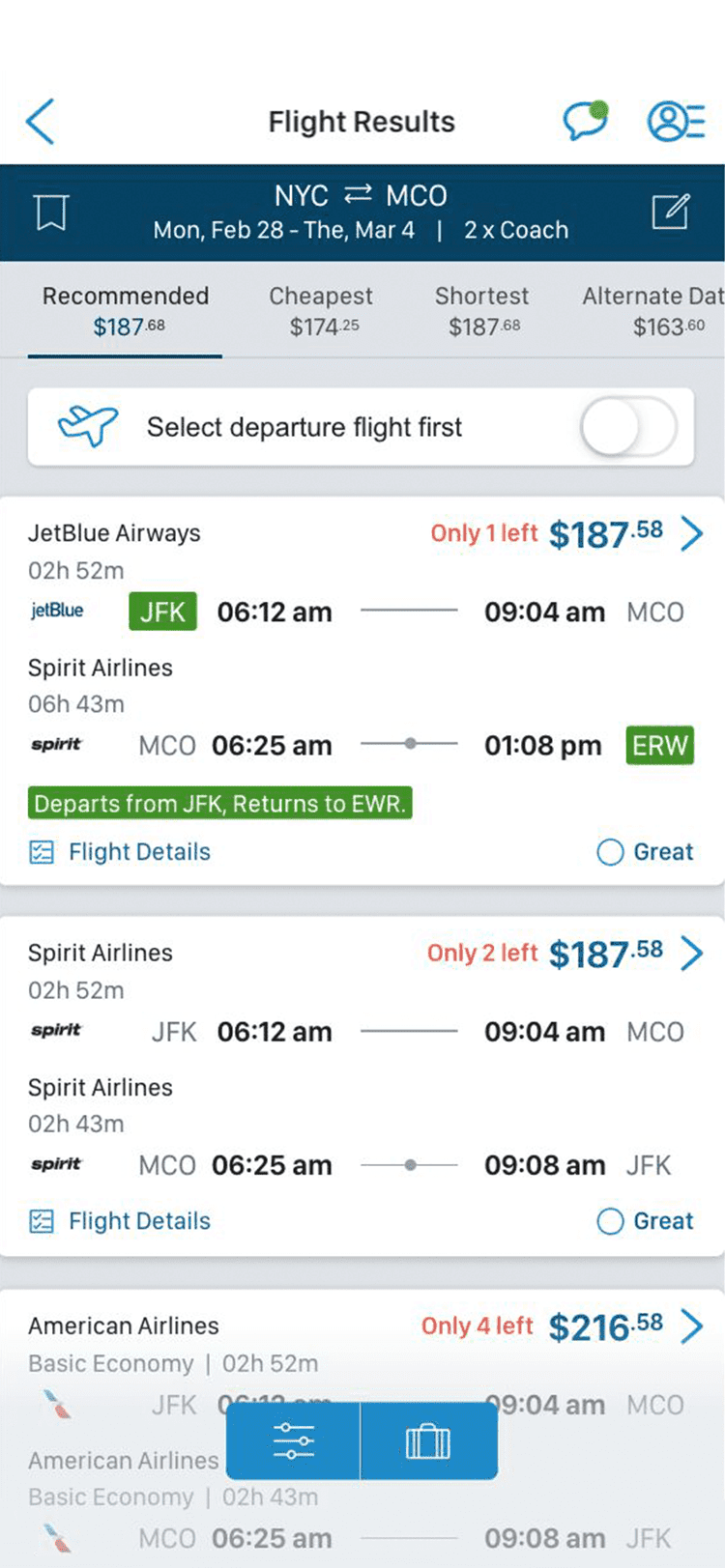
Fig.6: Listing screen
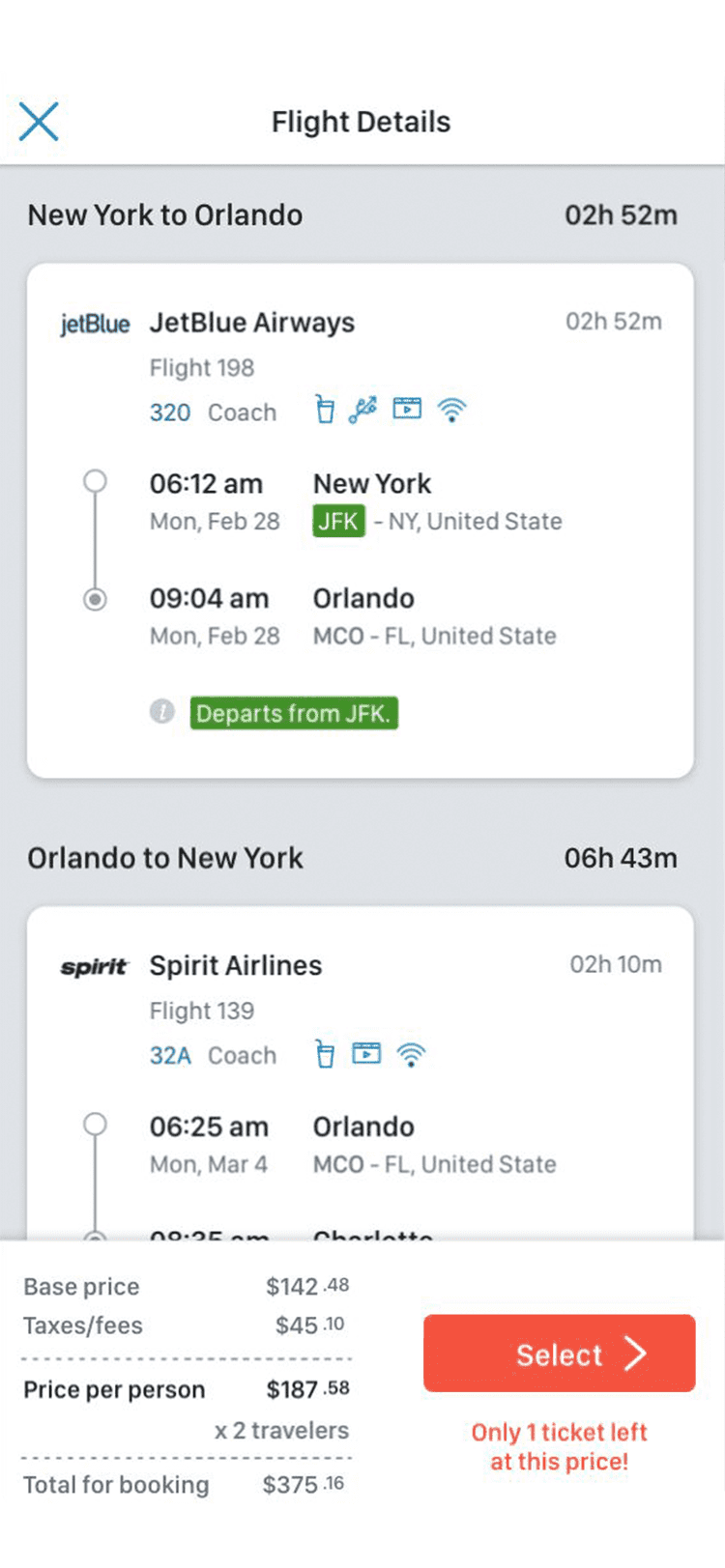
Fig.7: Detail screen
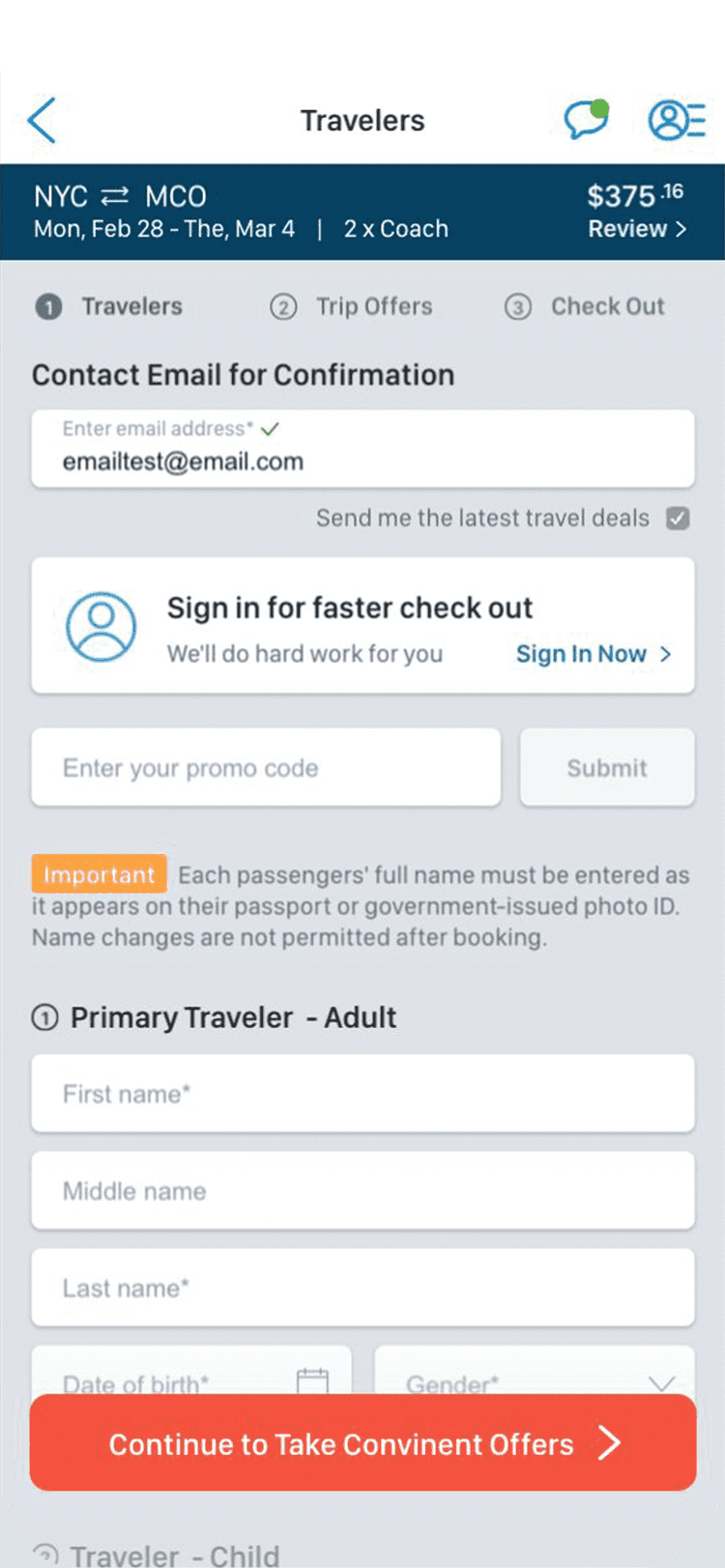
Fig.8: Booking screen - 1
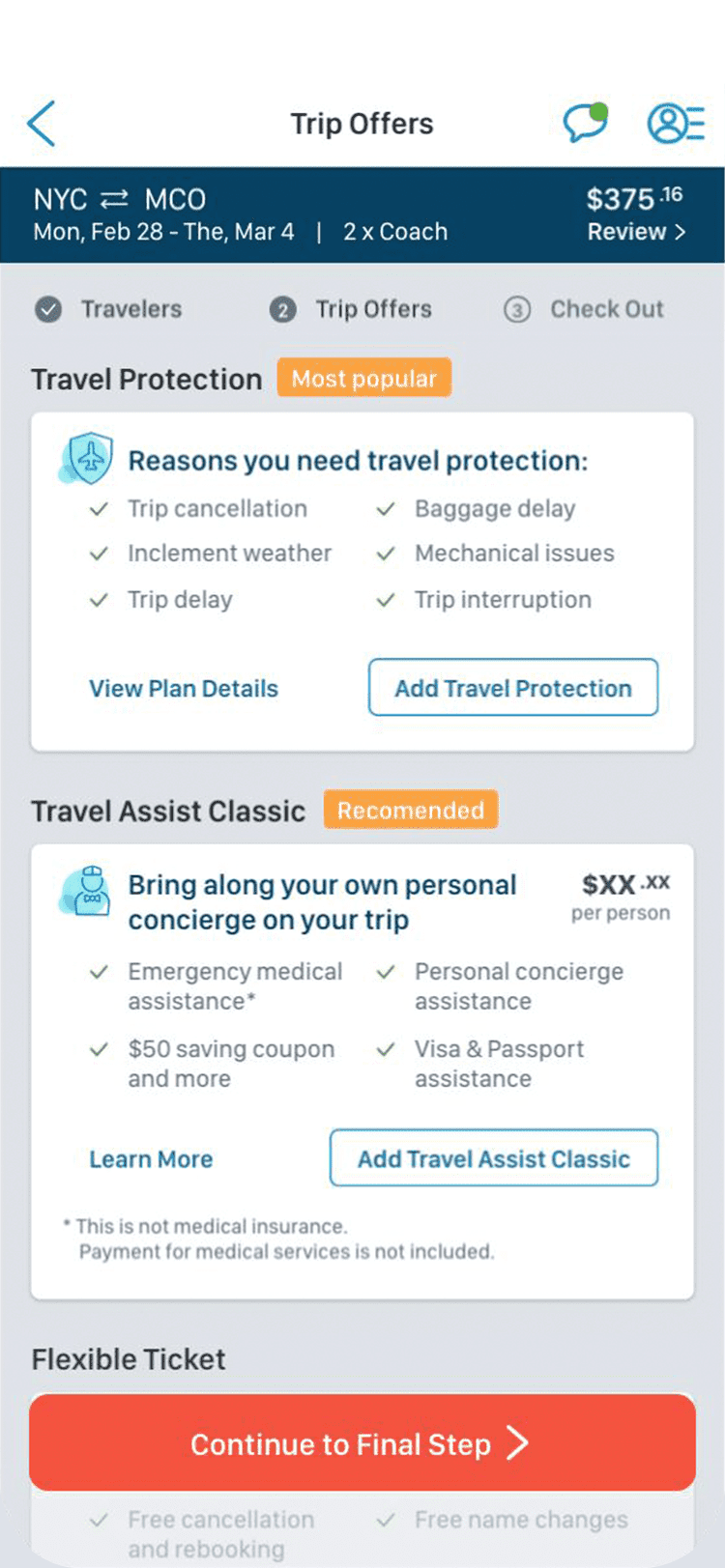
Fig.9: Booking screen - 2
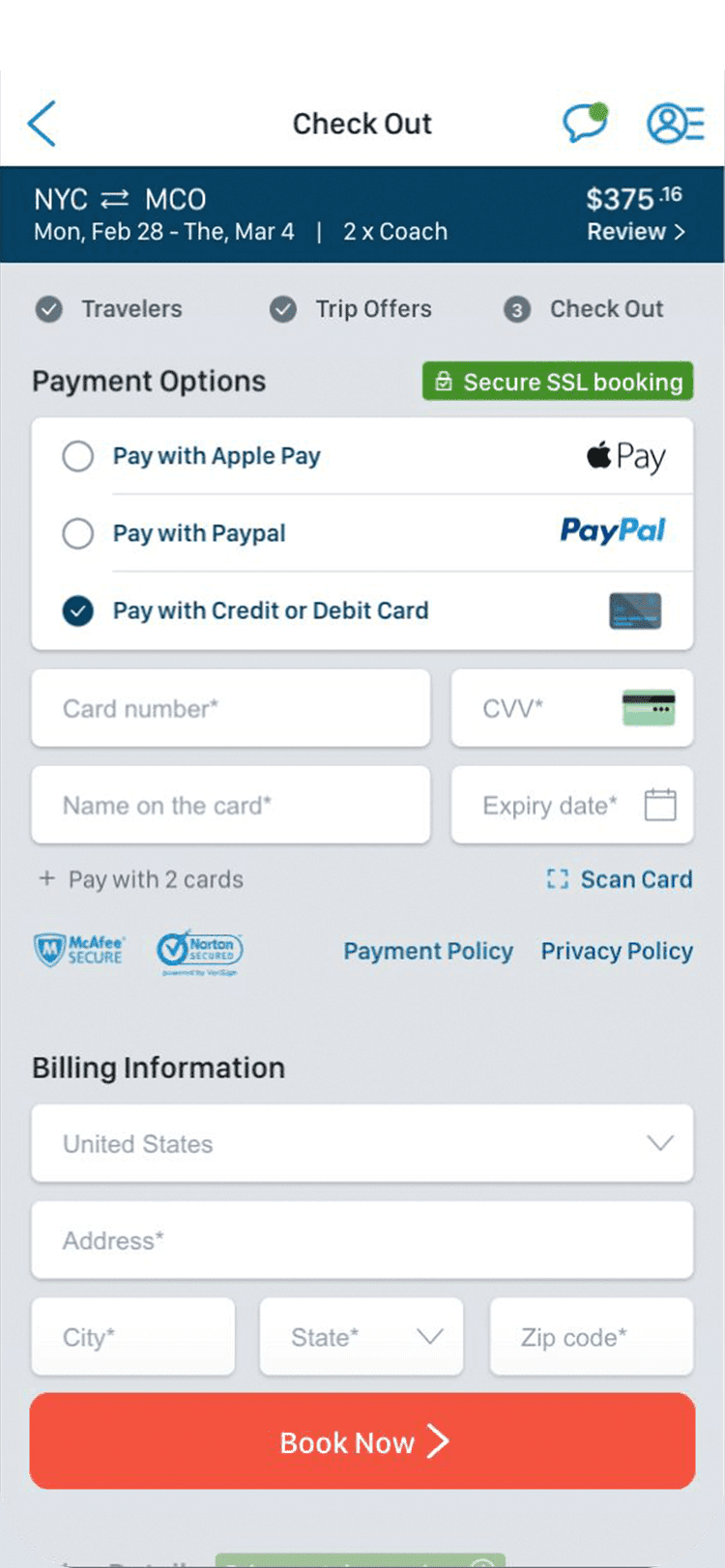
Fig.10: Booking screen - 3
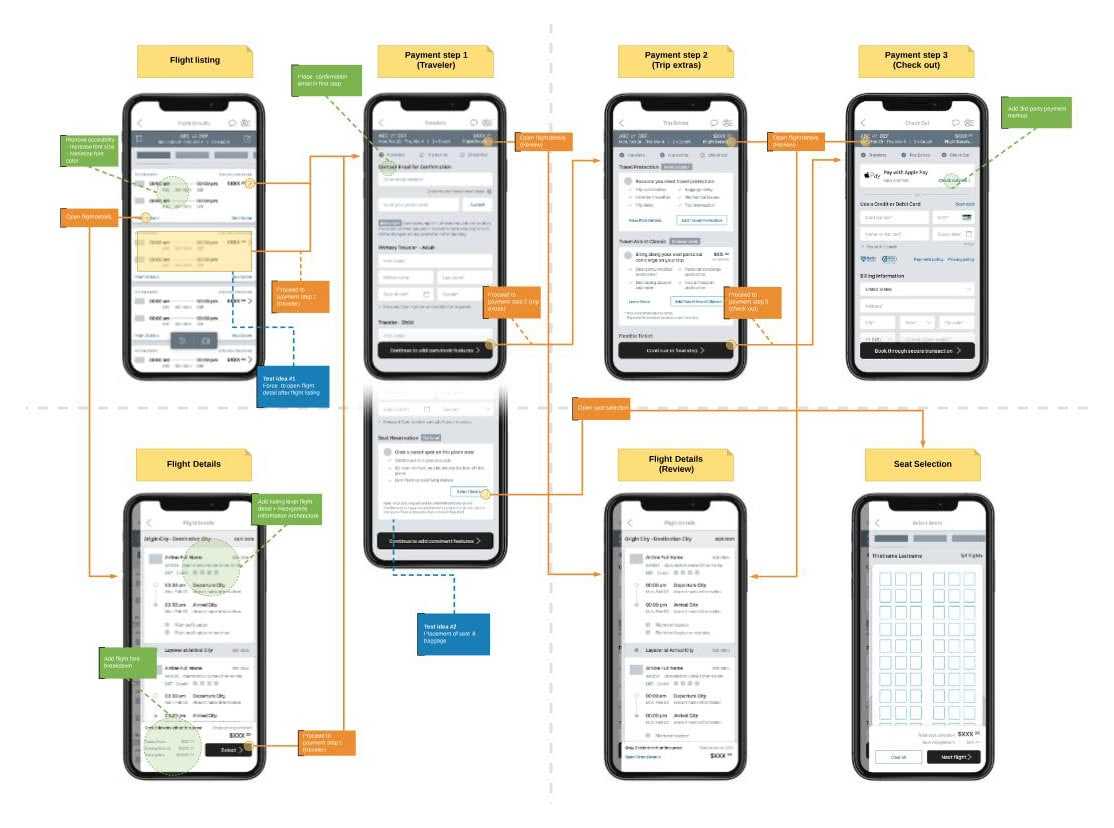
Fig.7: Option C search view
Checkout path redesign
Redesigned the CheapOair iOS checkout flow to reduce cart abandonment and improve booking completion.
- ↘️ Cart Abandon Rate
- ↗️ Booking Completion


Probelm area
- Product issue
- Users abandon the booking path after selecting the flight from the listing
- User Test Finding
-
- "I already selected what I want. I want to book it while it's available."
- "I need to check overlay details before select the flight."
- Product goal
-
- Increase listing - booking page funnel
- Reduce bounce rate during the booking process
- Design challenge
- Flight details should be available in the booking path but should not compete with tier 1 context of the pages
Draft solutions
- Suggestion
-
- Add flight detail screen as a drawer view - linked from both listing and booking
- Rearrange booking input fields - first booking step
- Diverge options
-
- Option A
-
- Add flight detail screen as a mandatory step: Listing > Details > Booking
- Option B
-
- Add flight detail screen as an optional step: Listing > Details > Booking
- Wireframe and user test
-
- 6/10 Users reacted positively with Option B
- 2/10 Users reacted positively with Option A
- 2/10 Users reacted neutral
- Open option B wireframe
Converge and Prototype
- Visual design
-
- Emphasize critical information (stops, alternate airport, etc.)
- Clarify the group of information using spacing, background-color
- Build a card component for consistent section
- Visual cues
-
- Navigating icon: back vs. close
- Timeline icon: point a vs. point b
- Highlighted text: critical information
- Status code: filled (active) vs empty (inactive)
Hand-off
- Interaction flow
-
- To visualize user’s interaction flow to help product developers overviewing final UX flow.
- This helps whole product team to oversee the end-to-end production process.
- Enlarge image
Contribution
- Product strategy
-
- Collaborating with product owner for setting the problem statement
- Holistic product UX review
- Setting product design strategy
- UX design
-
- Collaborating with UX researcher on analyzing user feedback
- Create a wireframe with interaction flow
- UI design
-
- Creating a high-fidelity UI mock-up
- Creating an interactive prototype using Sketch and UXPin